Bubble behavior
Activation behavior controls whether Definer's pop-up bubble is available on a specific webpage. If the bubble is not available, you won't be able to bring it up regardless of which activation trigger you use. This feature is handy if you want the bubble to appear only on certain pages or if you prefer to disable it on specific sites.
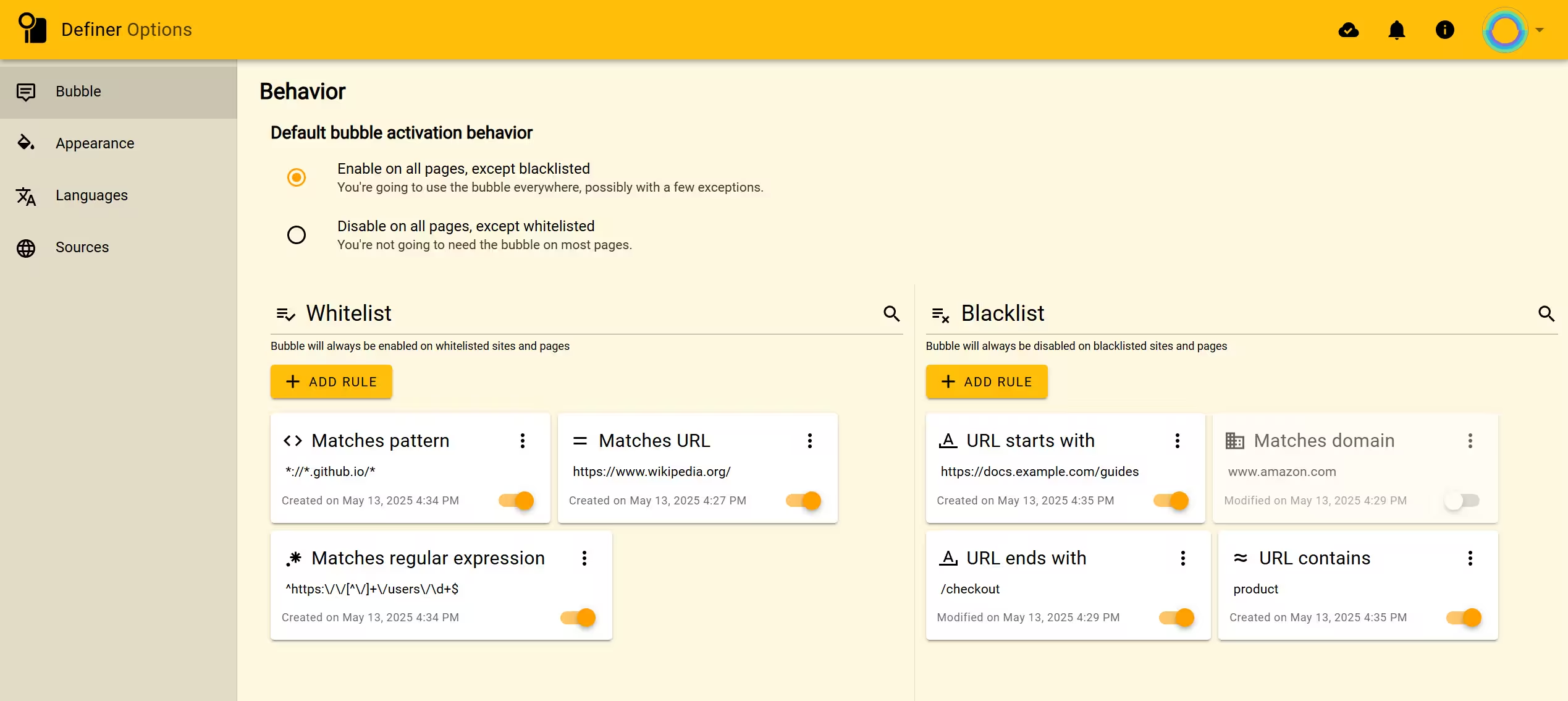 Definer's bubble activation behavior settings
Enabled/Disabled Indicator
Pin Definer's icon to the extensions toolbar (next to the address bar) to quickly check if the bubble is enabled or disabled on the page you're currently viewing:
- When the bubble is enabled, the icon will be colored (yellow).
- When the bubble is disabled, the icon in the extension toolbar will be grayed out.
 Definer's icon in the extension toolbar
Default Behavior
Your default behavior setting establishes the baseline rule for most websites, which you can then override with specific exceptions.
Enable on all pages, except blacklisted
Definer's factory setting
With this option, bubble is available everywhere except on sites you've specifically blocked in your "Blacklist". This is ideal if you regularly use Definer across many different websites.
Disable on all pages, except whitelisted
This setting keeps the bubble hidden everywhere except on sites you've explicitly allowed in your "Whitelist". Choose this option if you only need Definer on specific websites. For example, when learning a language on certain educational platforms or when reading content in a foreign language.
Whitelist & Blacklist
These lists contain your custom URL rules that override default behavior:
- Whitelist: Bubble will always be available on these sites, regardless of your default setting
- Blacklist: Bubble will never appear on these sites, regardless of your default setting
When rules conflict, the system resolves them based on your Default Behavior:
- If set to "Enable on all pages, except blacklisted," whitelist rules override blacklist rules
- If set to "Disable on all pages, except whitelisted," blacklist rules override whitelist rules
URL Rules
You can create precise rules to control where Definer works based on URL patterns.
Adding Rules:
- Manually: Click "ADD RULE" button and configure your rule
- Automatically: Use toggle switches in Extension Window
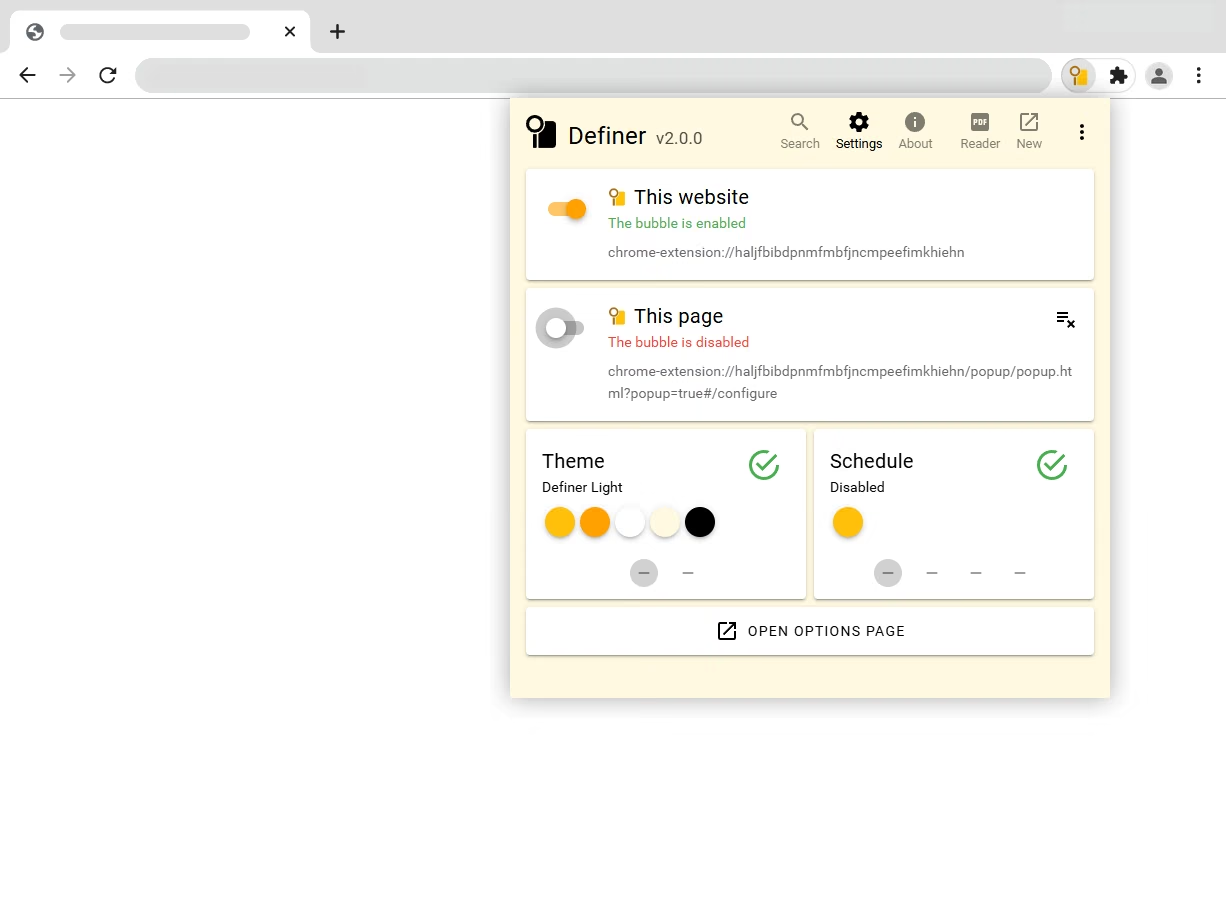 Changing a website or page switch in the Extension Window creates the matching rule automatically.
You can manage your rules by:
- Rearranging their order
- Moving them between Whitelist and Blacklist
- Toggling them on/off
- Editing or deleting them via the three-dots menu
Each rule consists of a Condition and a URL pattern.
Let's go over each condition and see examples of how to use them.
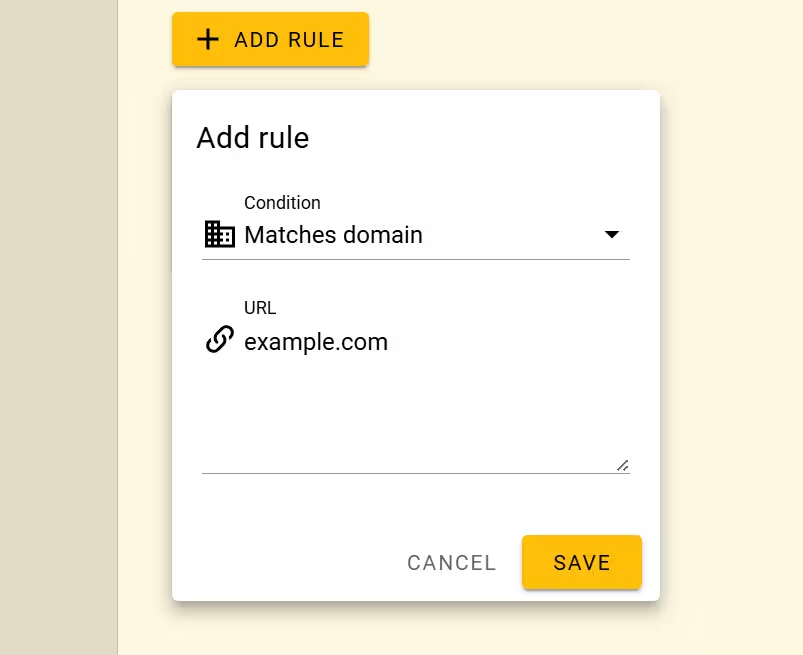
Matches domain
Applies to an entire domain and all its pages.
Example:
- Condition: Matches domain
- URL:
example.com - Result: Bubble works on:
https://example.comhttps://example.com/hellohttps://example.com/hello/world
NOTE
This doesn't apply to subdomains like blog.example.com
Matches URL
Applies only to an exact URL match.
Example:
- Condition: Matches URL
- URL:
https://example.com/hello - Result: Bubble works only on that specific page, not on
https://example.com/hello/world

URL contains
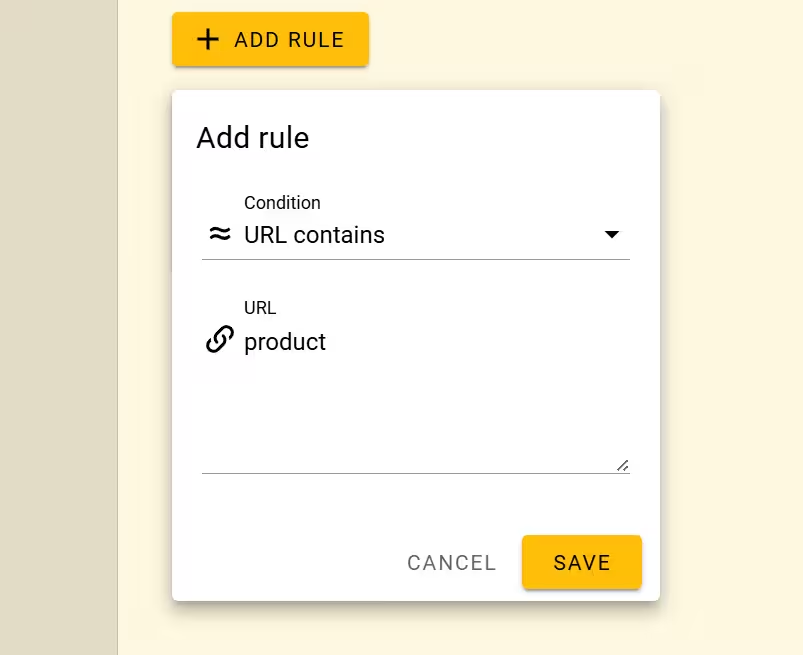
Applies to any URL containing specified text.
Example:
- Condition: URL contains
- URL:
product - Result: Bubble works on:
https://example.com/producthttps://example.com/products/itemhttps://store.com/view-product/123https://product.com/category/details
URL starts with
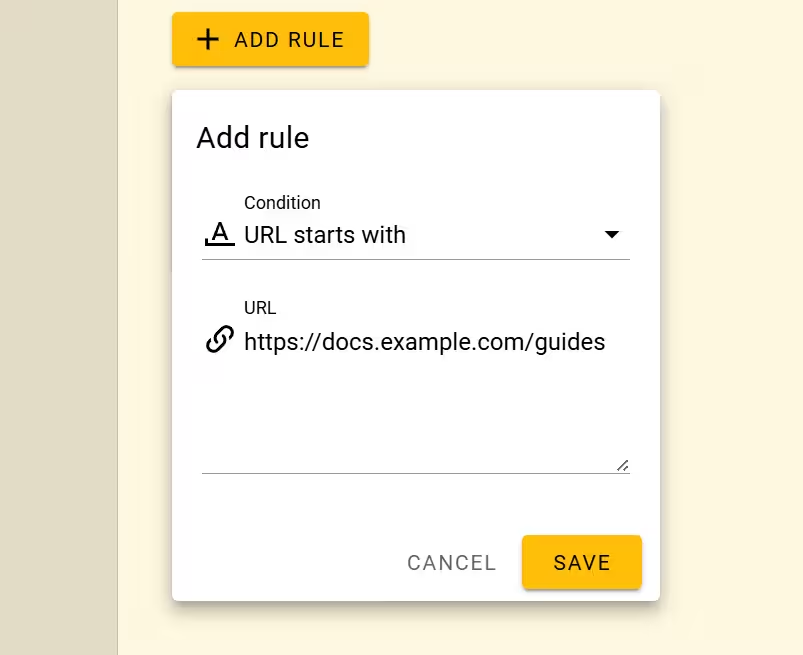
Applies to any URL beginning with specified text.
Example:
- Condition: URL starts with
- URL:
https://docs.example.com/guides - Result: Bubble works on:
https://docs.example.com/guideshttps://docs.example.com/guides/beginnerhttps://docs.example.com/guides/references
URL ends with
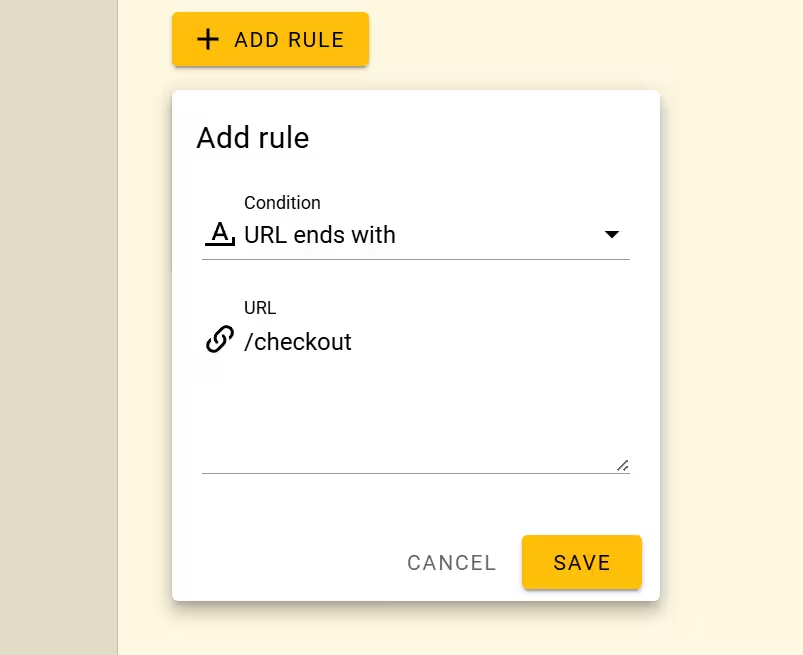
Applies to any URL ending with specified text.
Example:
- Condition: URL ends with
- URL:
/checkout - Result: Bubble works on:
https://example.com/checkouthttps://store.com/cart/checkouthttps://marketplace.org/vendors/123/checkout
Matches pattern
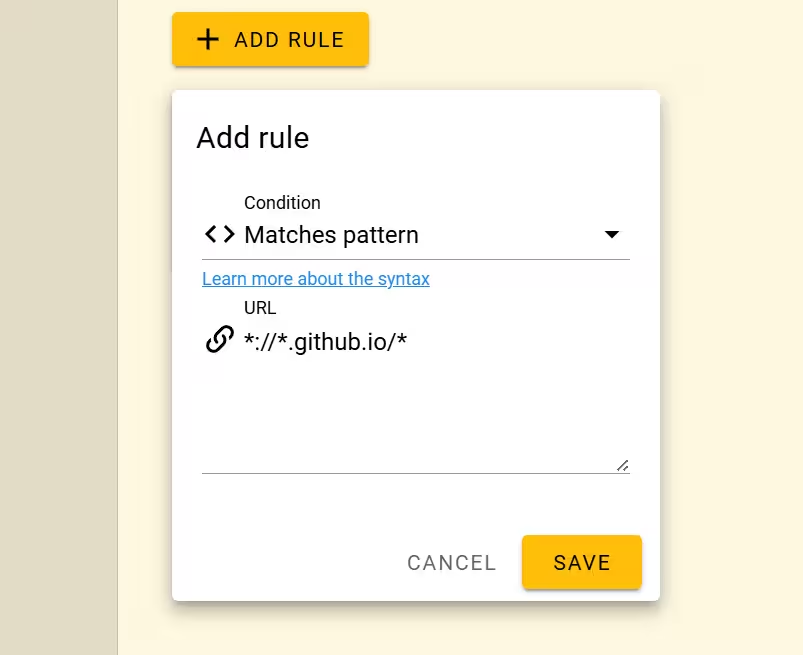
Uses browser URL patterns with wildcards (*) for flexible matching.
Example:
- Condition: Matches pattern
- URL:
*://*.github.io/* - Result: Bubble works on all GitHub Pages:
https://username.github.iohttps://organization.github.io/projecthttp://username.github.io/page
Matches regular expression
For advanced users who need complex pattern matching using regex.
Example:
- Condition: Matches regular expression
- URL:
^https:\/\/[^\/]+\/users\/\d+$ - Result: Bubble works on user profile pages with numeric IDs:
https://example.com/users/123https://social.network/users/456- But not on:
https://example.com/users/john
