Lookups
A lookup is everything Definer gathers when you select text or enter a search. It keeps the query, useful page context, languages, and the results returned by your enabled sources together.
Start a lookup
Select text while reading to open the Bubble beside it. Use the Extension Window when you want to type a word, phrase, or question yourself.
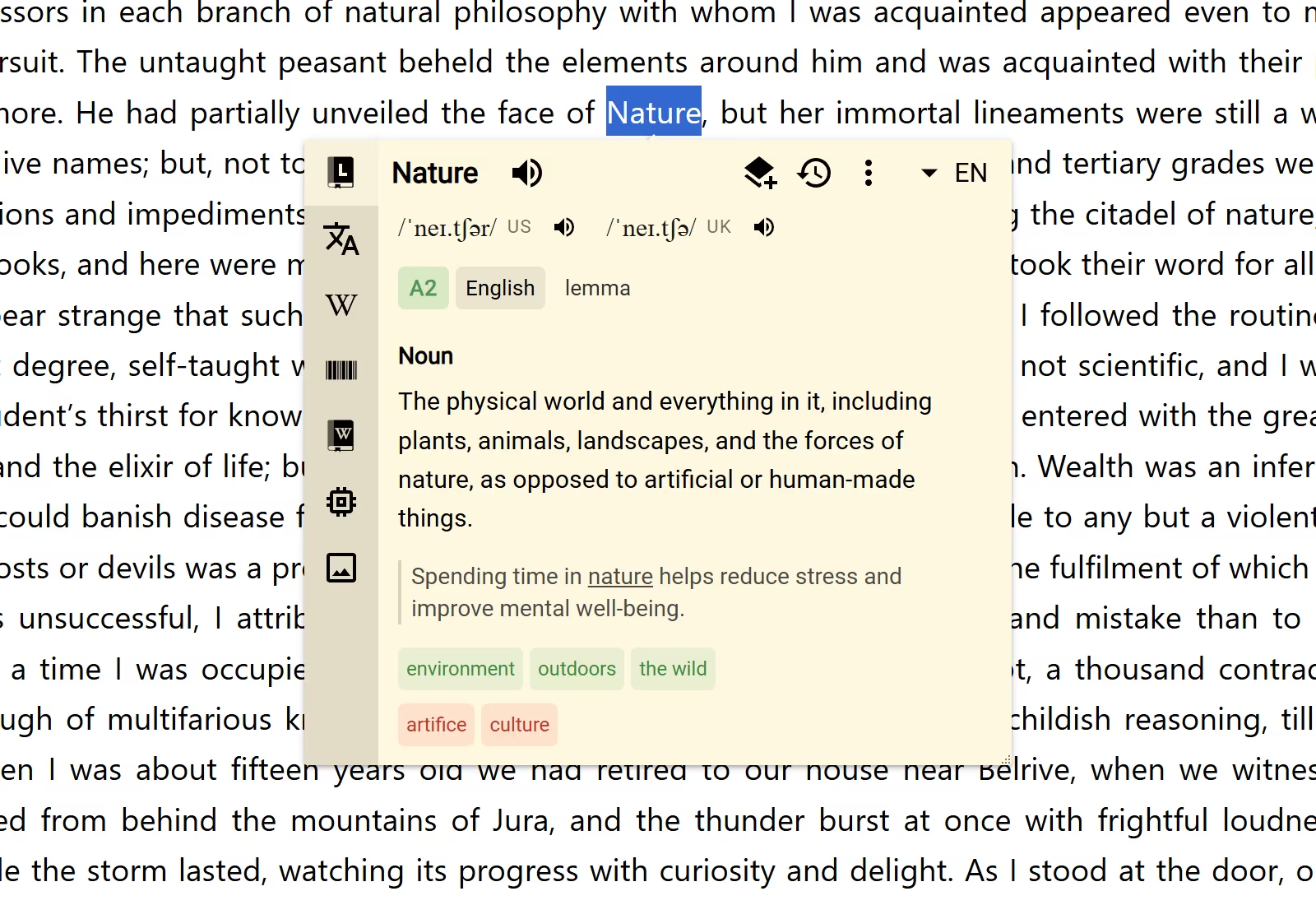
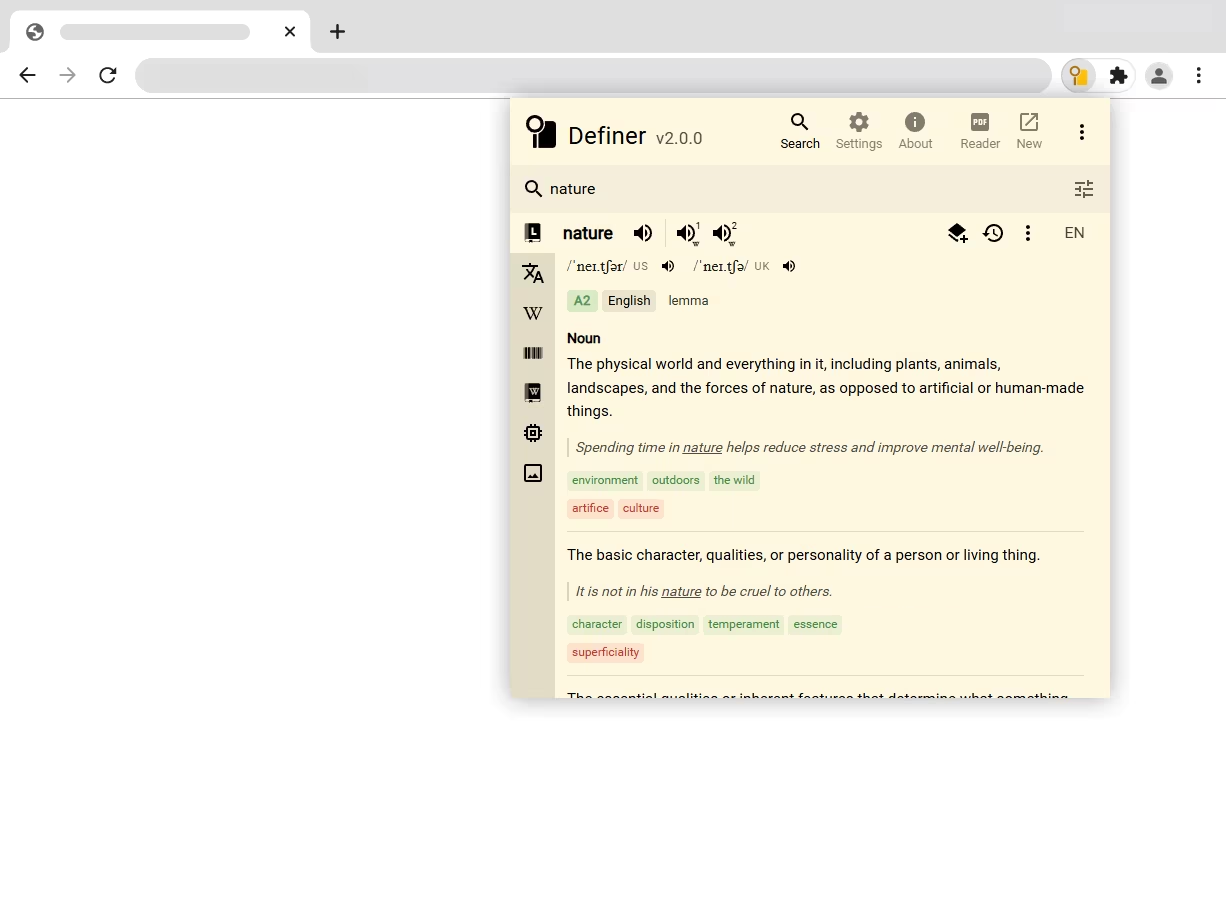
Both open the same lookup. Definer can use the surrounding sentence and page language to produce a more relevant result, especially for translation and AI sources.
What a lookup contains
The query is the word or text you selected or typed. Definer then works with:
- the language of the original text;
- the result languages you use;
- the surrounding page or sentence when a source supports context;
- one result from each source that can answer the lookup;
- audio from pronunciation and speech sources.
A lookup result is one source's content for one result language. A single lookup can therefore contain several results: a dictionary entry, a translation, an explanation, images, or other useful information about the same query.
Move between results
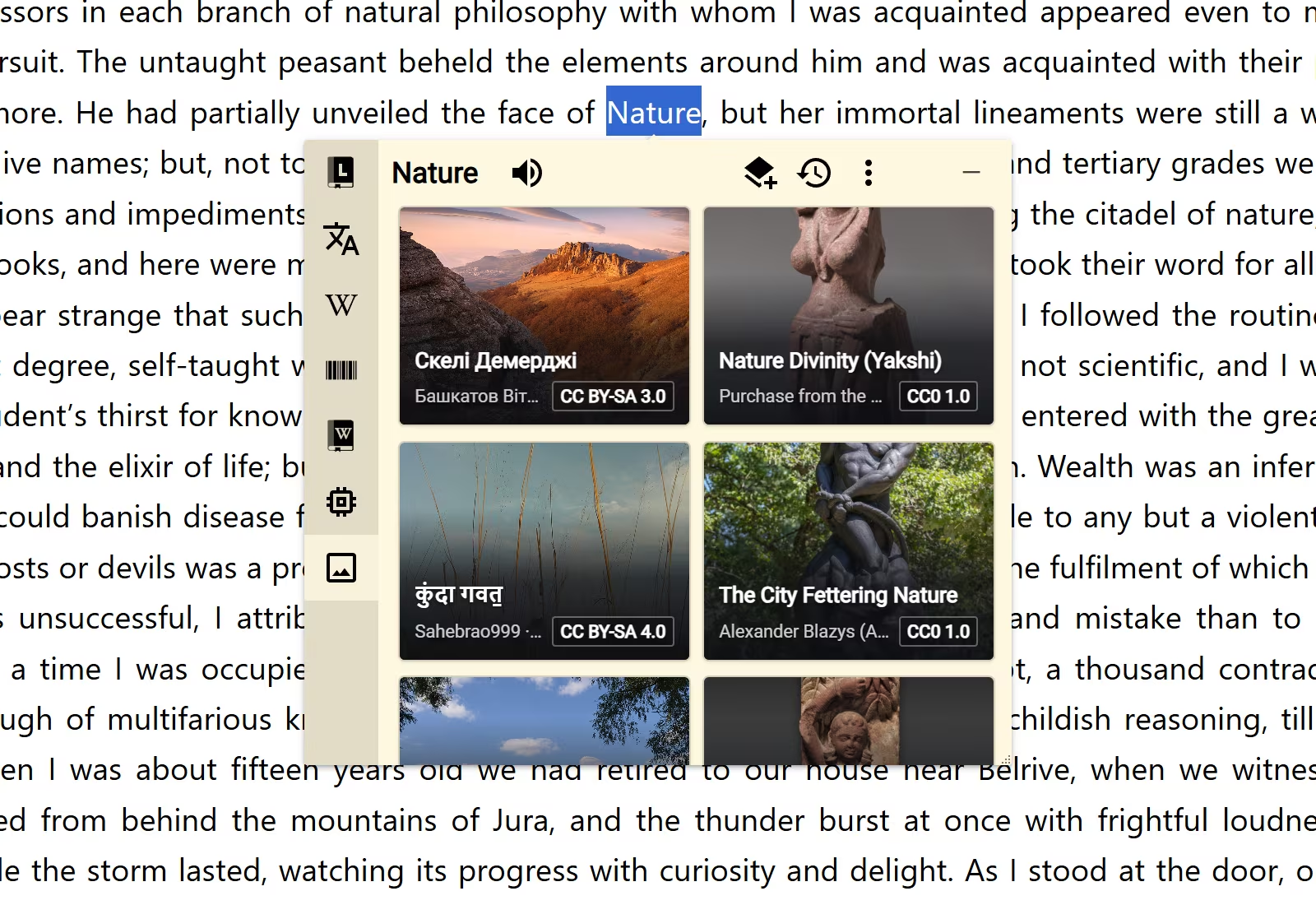
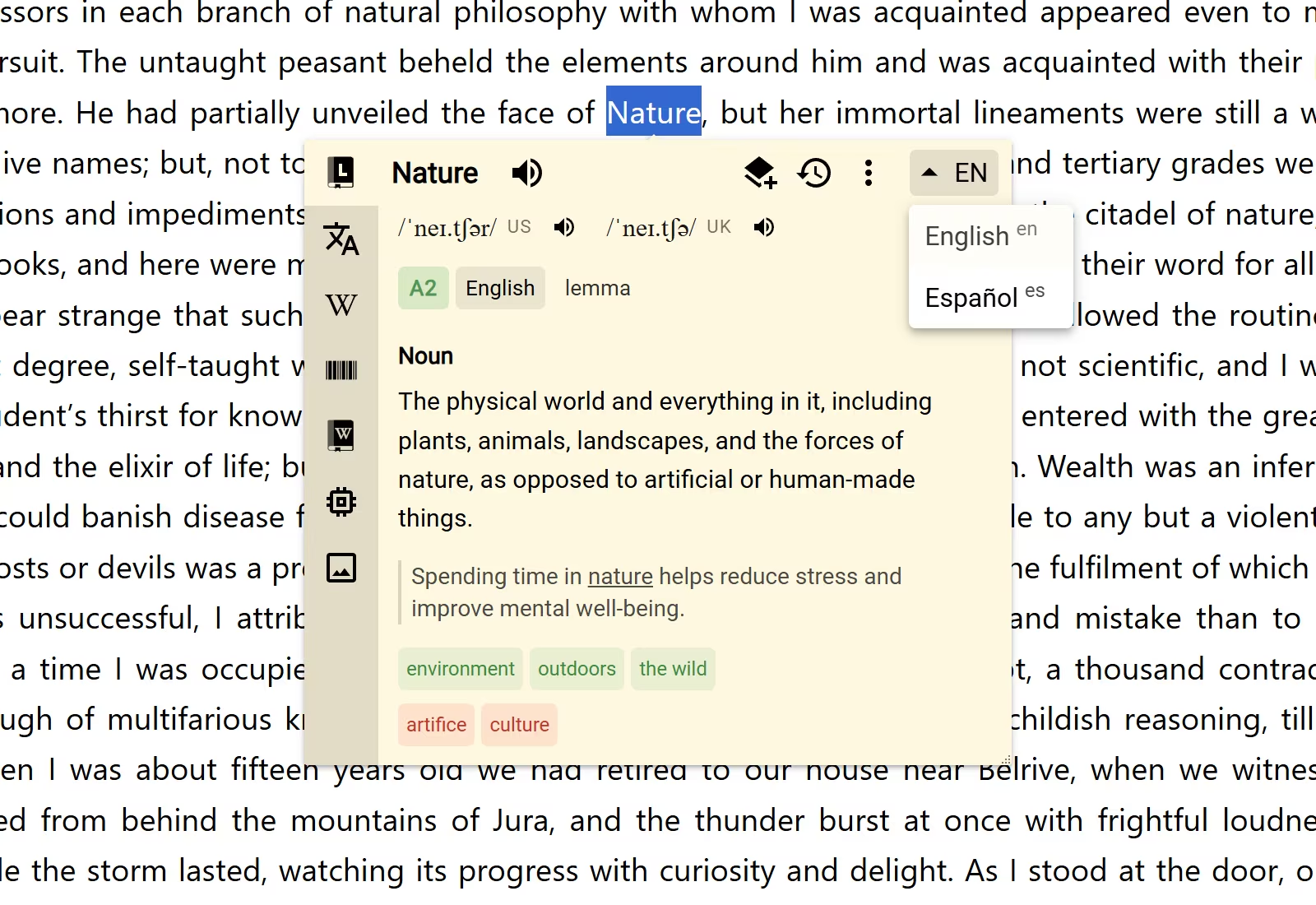
The source icons in a lookup show which results are available. Select an icon to open that kind of information. When a source supports more than one result language, the language control changes the language of its result.
Sources that return audio appear as playback controls beside the query instead of occupying the main result area.
Keep or revisit a lookup
Definer records lookups in History by default, so an earlier search is easy to reopen. Use Save when a particular result is worth keeping in a Collection.
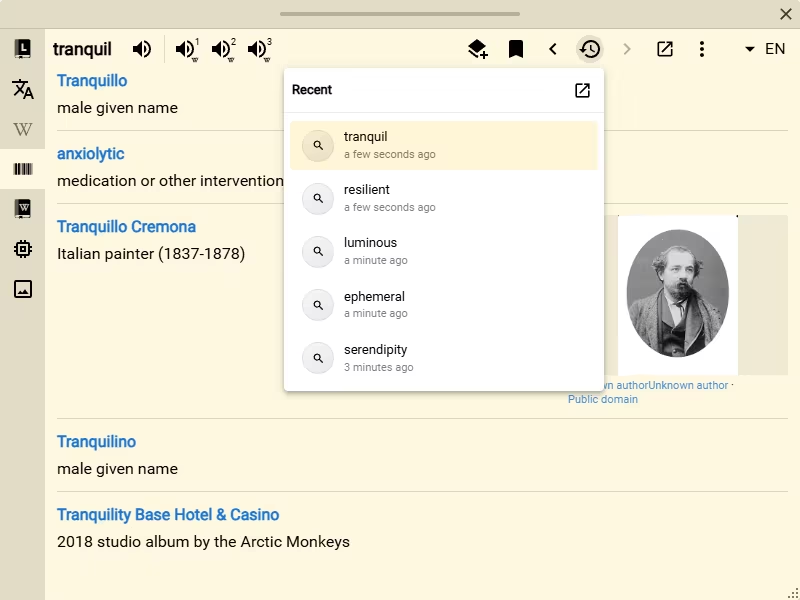
The compact lookup controls reference explains the less common actions without interrupting the main lookup guide.