Wikidata
Wikidata shows structured facts about people, places, organizations, works, and other named subjects. It is useful when a name is ambiguous or when you want concise facts and links instead of a full article. A result can include several ranked matches, a short Wikipedia summary, aliases, images, official websites, and labeled facts.
Use Wikidata
- Look up a person, place, organization, work, or another named subject.
- Select the Wikidata icon from the available results.
- Compare the matches to find the subject you meant.
If Wikidata is not available, open Definer Options → Sources → New source → Built-in sources and select Wikidata.
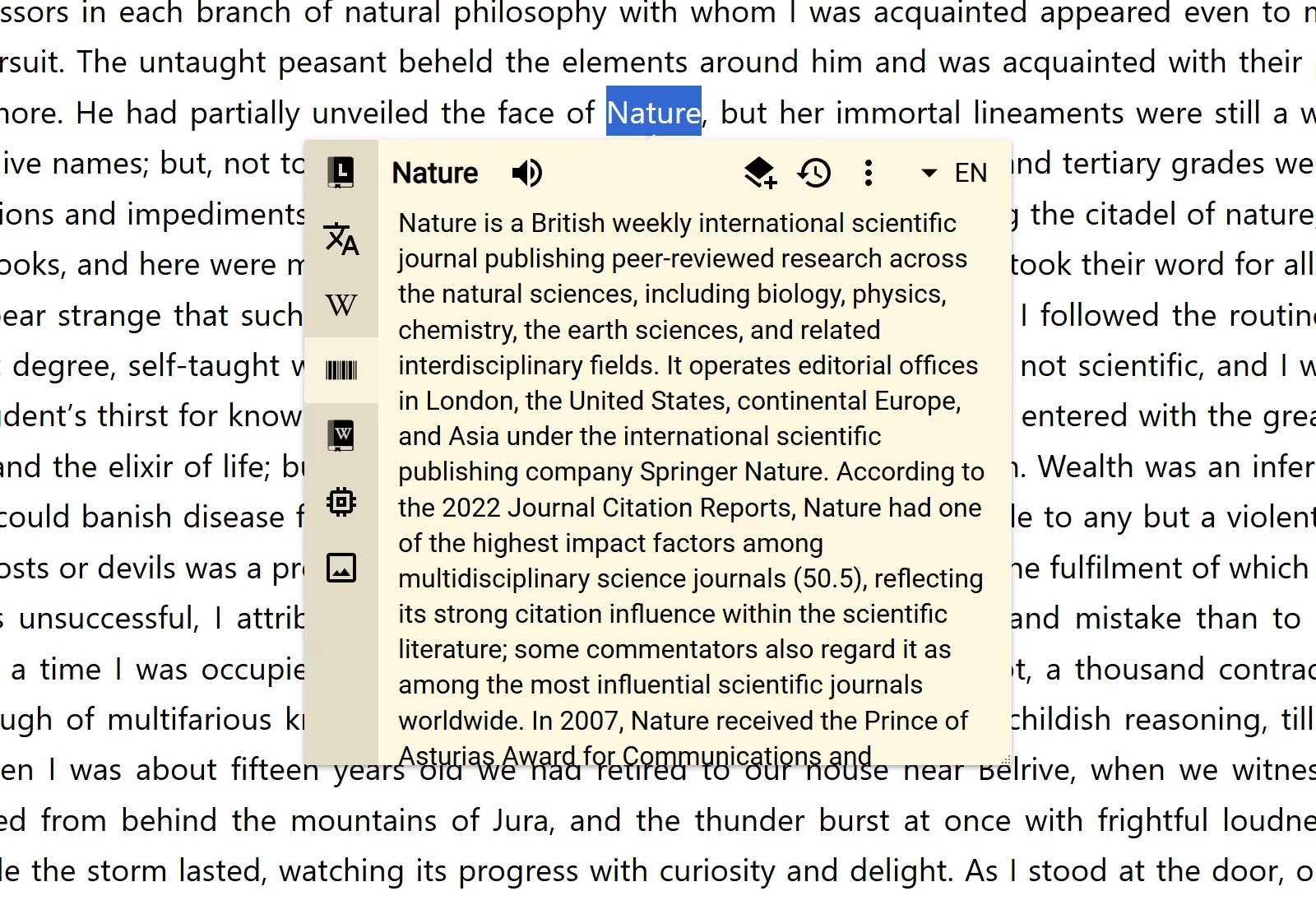
Wikidata follows the lookup's result language for labels and descriptions when they are available. Switch the result language from the lookup header when you want to read the facts in another language.
Choose how many matches to see
Open Definer Options → Sources → Wikidata → Settings → Main.
Results per lookup offers 1, 3, or 5 matches. The default is 5.
- Choose
1for a compact answer when the query is unlikely to be ambiguous. - Choose
3or5when you often look up names shared by several subjects.
Choose the amount of detail
Presentation controls how much each match shows:
- Compact keeps every match brief. This is the default.
- Detailed adds structured facts to each match.
The "More" button setting shows or hides a link to the main matching entity on Wikidata. Titles, official websites, Wikipedia summaries, and credited images can also provide their own links.
Save structured facts
Wikidata includes the Wikidata Entity Card Recipe. It creates a Card item with the lookup query, ranked matches, available facts, links, images, and source credits.
Open Definer Options → History → Recipes to inspect the built-in Recipe. To customize it, change Recipe Name and select Save as copy.