YouGlish
YouGlish is a video pronunciation dictionary that helps you improve your pronunciation and listening skills in foreign languages. This source was introduced in Definer v1.7.
With YouGlish, you can easily search for words in your target language and instantly access videos featuring native speakers pronouncing those words naturally. This provides you with authentic pronunciations in real-world contexts, making it an essential tool for serious language learners.
YouGlish is not added by a new installation. Open Definer Options → Sources → New source → Built-in sources, then add YouGlish.
Usage
Look up a selected or typed word or phrase, then open YouGlish from the result's source list. This works in the Bubble, Extension Window, and other Definer result surfaces.
Configuration
To customize YouGlish settings, navigate to:
Options → Sources → YouGlish → Settings.
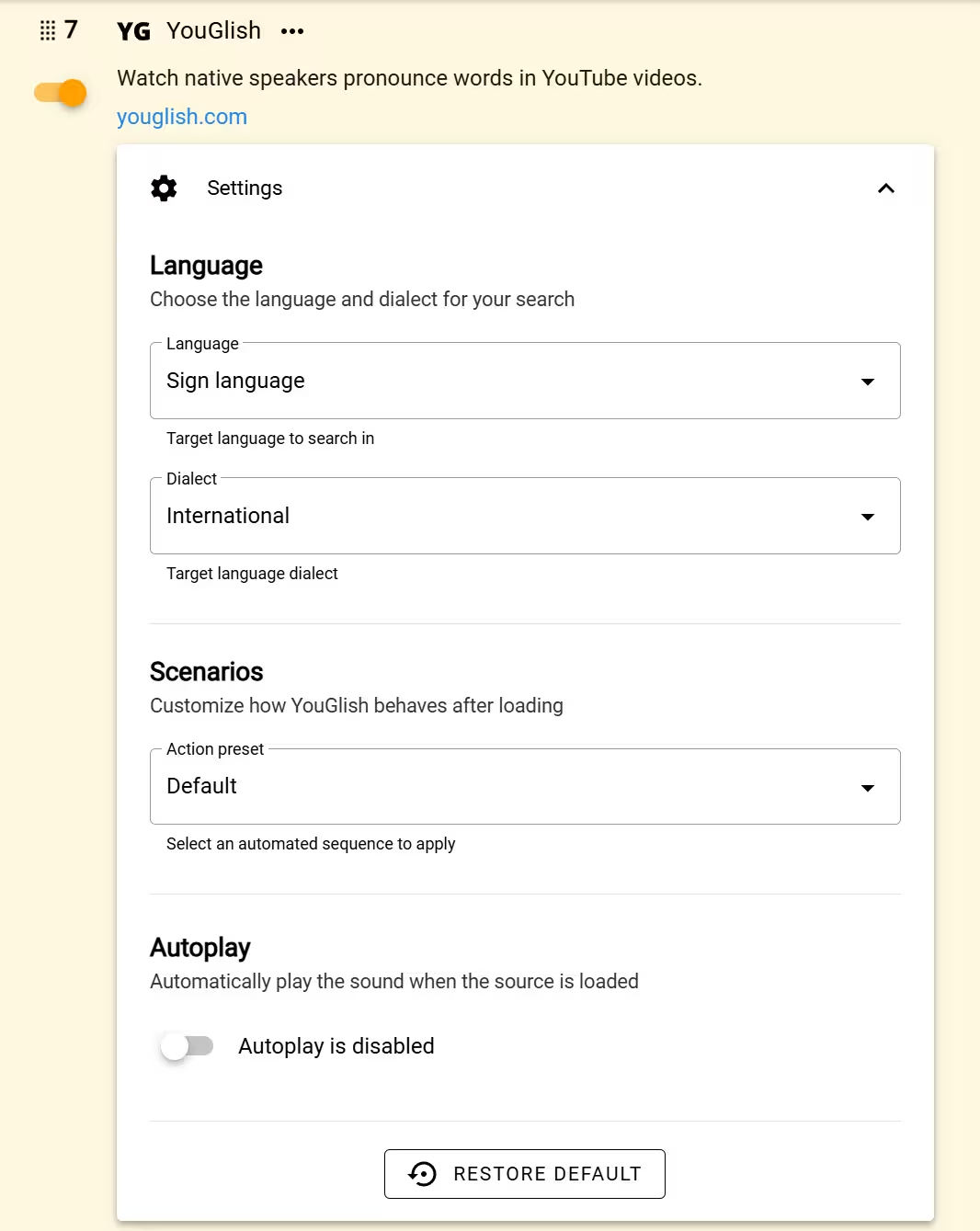
Language
By default, Definer uses the language you've set in the language picker when opening YouGlish (the "Match selected" option). However, you can specify a different target language by selecting it from the dropdown list.
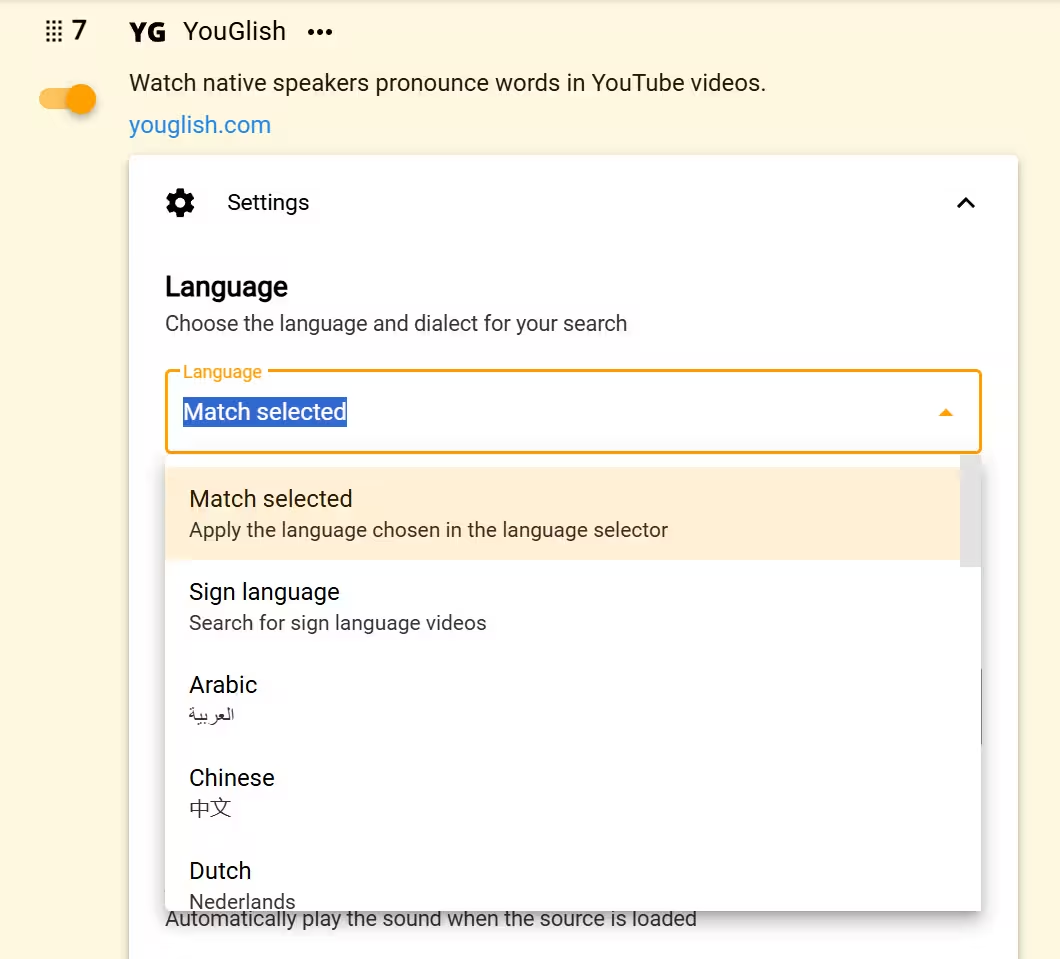
Supported languages
Match selected (default), Sign Language, Arabic, Chinese, Dutch, English, French, German, Greek, Hebrew, Italian, Japanese, Korean, Polish, Portuguese, Russian, Spanish, Swedish, Thai, Turkish, Ukrainian, Vietnamese
Dialect
For certain languages, you can refine your search by selecting a specific dialect or accent – perfect for when you need to master a particular regional pronunciation.
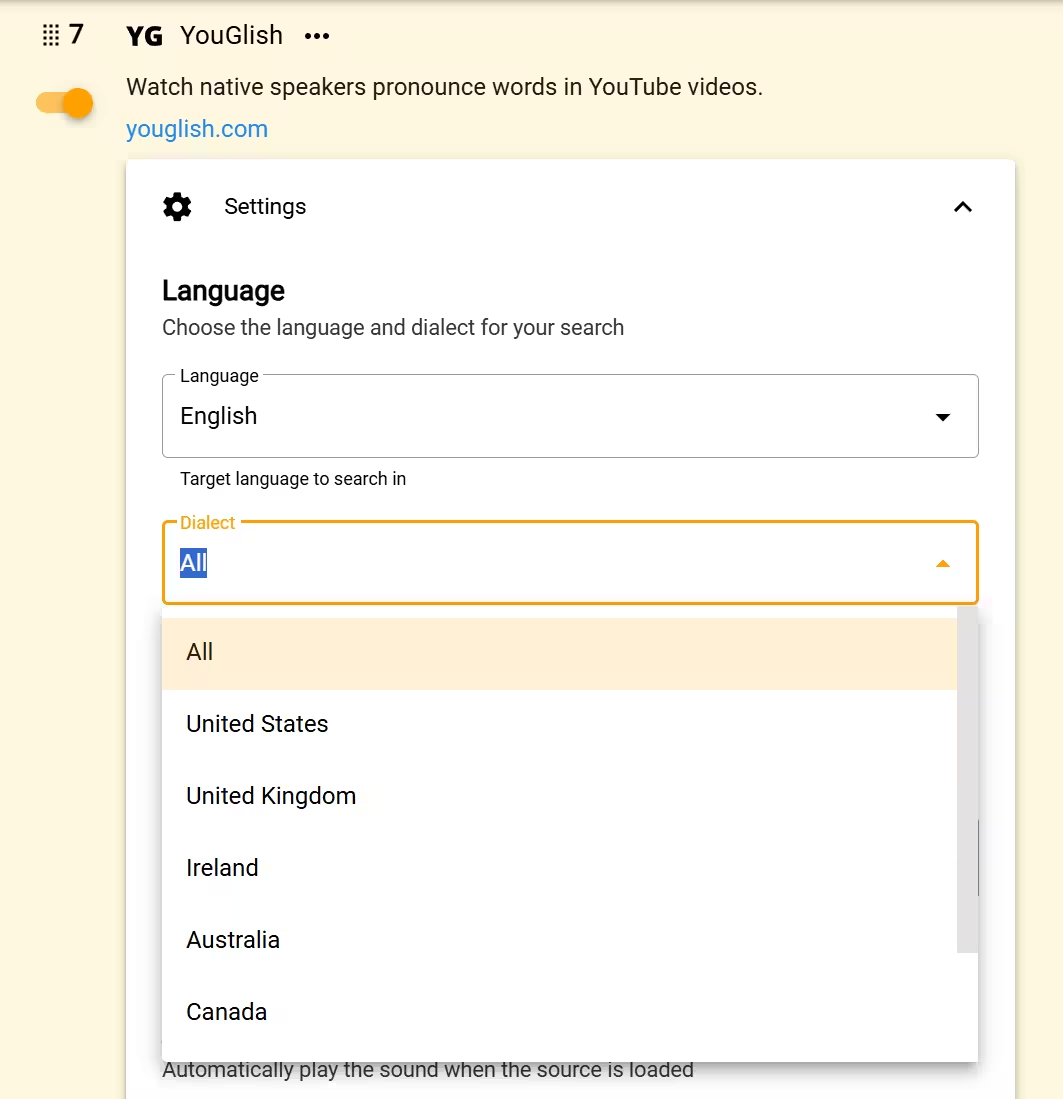
Languages with dialects
Sign Language, English, Arabic, Chinese, Dutch, French
Routines
YouGlish includes a built-in Extract Pronunciation Routine that collects pronunciation data from the result page.
Open Definer Options → Sources → YouGlish → Settings → Routines to inspect, disable, duplicate, or edit it. See Routines before changing the built-in sequence.
Scenarios
Scenarios are automated sequences of actions that YouGlish performs after loading a video. Definer currently offers two scenarios: Default and Triple Repeat & Next.
Default
Play videos normally without any automatic actions. 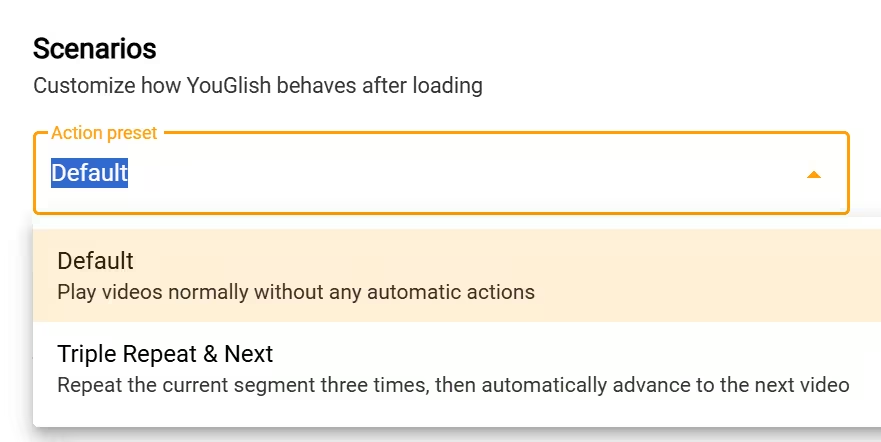
Triple Repeat & Next
Repeats the found segment three times before moving to the next video.
Perfect for when you're trying to nail down a challenging pronunciation.
Suggest more
Have ideas for new scenarios? Share them in Definer subreddit.
Autoplay
You can toggle video autoplay in YouGlish:
- When enabled, videos start playing automatically when you open the YouGlish source.
- When disabled, you'll need to click the play button to start the video.
Autoplay is enabled when you first add YouGlish.
With Autoplay disabled, click the play button to start the video.
YouGlish account limits
If YouGlish reports that an account or search limit has been reached, follow the options in its result or wait until YouGlish makes searches available again. Other Definer Sources continue to work normally.
Save a pronunciation example
YouGlish includes the built-in YouGlish Pronunciation Card Recipe. Select Save on a result to keep the lookup text, example sentence, and available video link as a Card.
See Recipes to choose a different Recipe or change how saved information is arranged.