Offline Dictionary
Offline Dictionary lets you search a dictionary file from the same place as your other Definer sources. It is useful when you have a specialized dictionary, a language resource, or a reference archive that you want to use in lookups.
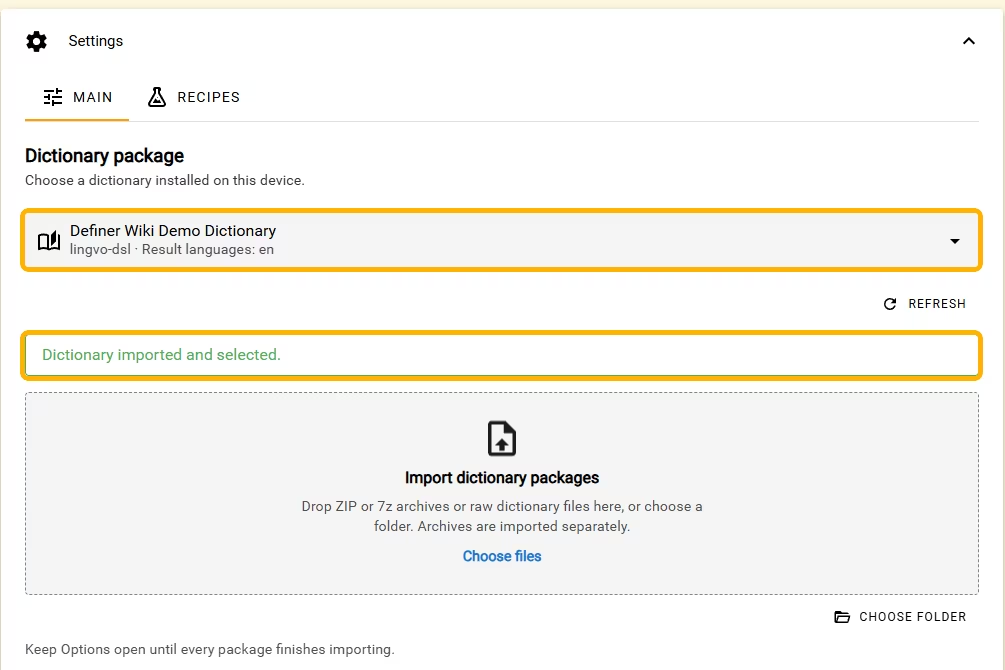
A dictionary package is the file or group of files you downloaded. Importing installs that package on this device. An Offline Dictionary source chooses one installed package and displays its matching entries in Definer.
Install and try a dictionary
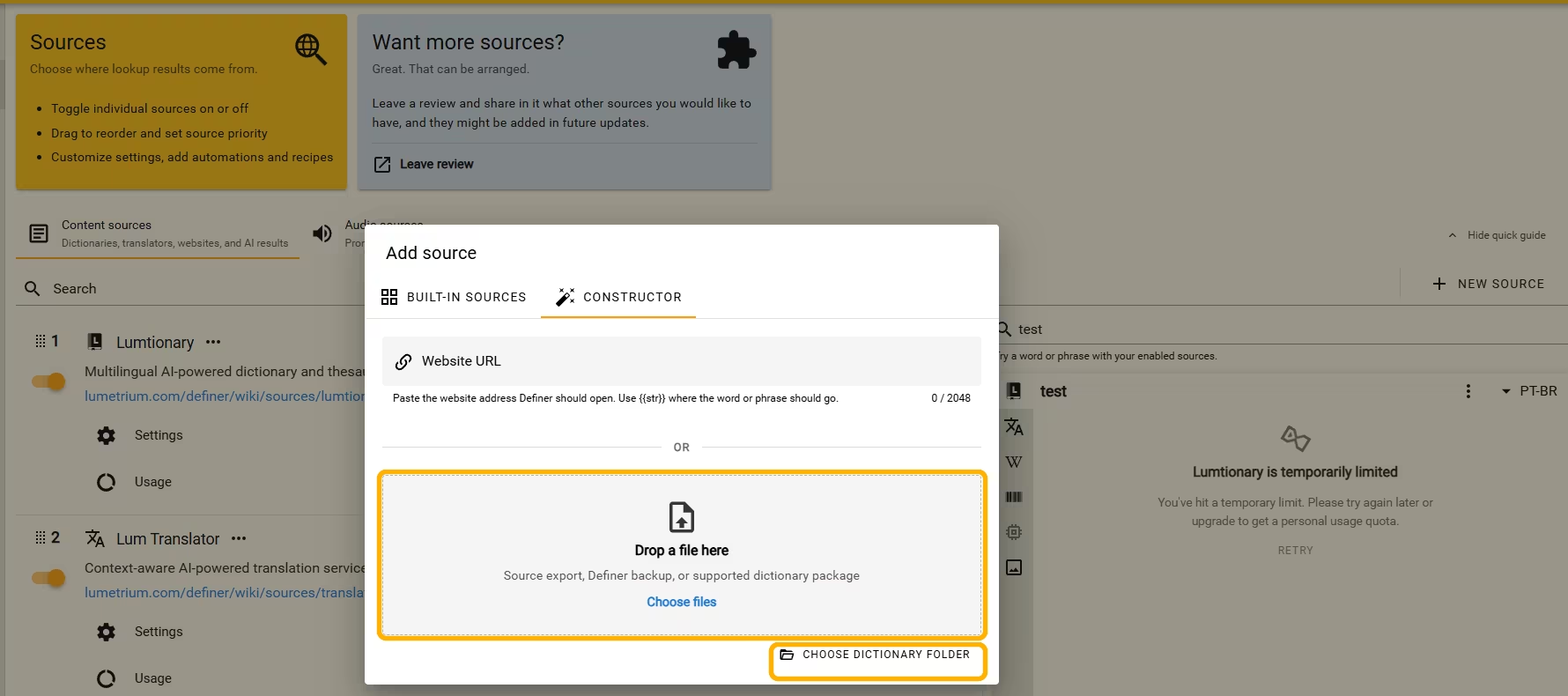
- Open Definer Options → Sources → Content sources, select New source, then open Constructor.
- Under Drop a file here, drop a supported package or select Choose files. For a dictionary stored as several files, select Choose dictionary folder instead.
- Keep Definer Options open until the import finishes. The dialog closes and an enabled Offline Dictionary source appears in the Content list.
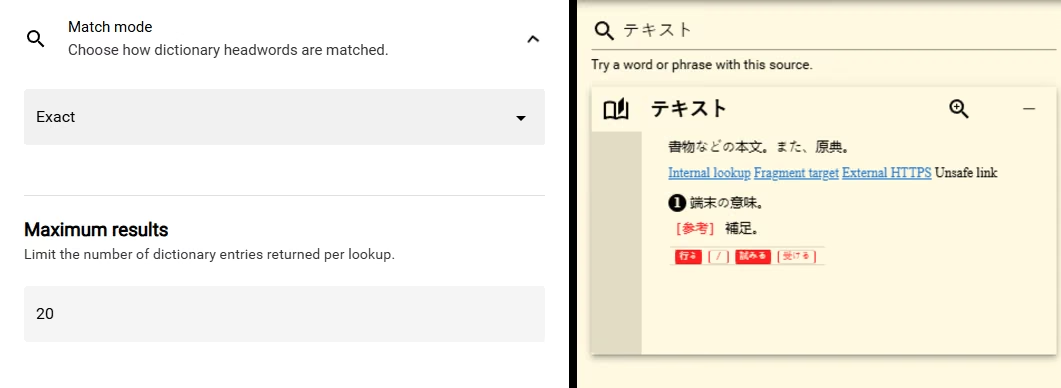
- Open the new source's Settings. In Preview: Offline Dictionary, enter a familiar headword in Test query and press Enter. A matching entry should appear in the preview.
If Definer cannot recognize the package, check the supported dictionary formats and required files before trying again.
Continue with Offline Dictionary
- Import a dictionary explains the creation and existing-source routes, progress, cancellation, and verification.
- Supported dictionary formats lists the accepted packages and the companion files that must stay together.
- Manage an Offline Dictionary source covers matching, result limits, loading, colors, Custom CSS, package reuse, and removal.
- Troubleshoot Offline Dictionary starts from the message or symptom you can see.
- Recipes explains how to save a source result. Offline Dictionary includes an Offline Dictionary Card Recipe for creating a study card from an entry.
Keep the original package
Offline Dictionary is marked Experimental in Definer. Keep the original dictionary package so you can import it again when you use another device or need to repair an installation. See keep the package available for what Definer transfers and what you must import separately.